
Migration / Monitoring
We migrated PRTG UPS monitoring definitions to Zabbix in 30 minutes
using Claude Code #
Just pass a single backup file. No API server required, no need to write scripts from scratch.
We handed it off to an AI agent and it actually worked.
PRTG
Zabbix
APC UPS
SNMP
Python
Why migrate from PRTG to Zabbix? #
We have been using PRTG Network Monitor to monitor UPS (uninterruptible power supply) units in a portion of our facility via SNMP.
It was stable and we had no particular complaints, but as we approached the license limit on sensor count
and undertook a cost review, we decided to consider a migration to Zabbix.
Zabbix is open source with unlimited host and metric counts. It also has rich official plugins with Grafana.
There was no reason not to migrate. The issue was the migration work itself.
With many devices, manual reconfiguration takes days.
This time we tried Claude Code.
We passed a PRTG backup file as-is and handed off everything from parsing to script generation and execution.
As a result, migration of all 12 devices was completed in approximately 30 minutes. However, there was one stumbling point, so we’re recording that as well.
Migration scope this time #
Analyzing the PRTG backup (PRTG Configuration.dat), we found this configuration.
Monitored devices
12 APC UPS units #
All devices are APC-manufactured UPS. All monitoring was unified via SNMP.
Sensor configuration
118 sensors #
Ping, UPS health, battery remaining capacity, temperature, voltage,
traffic, HTTP availability monitoring, etc.
Zabbix comes with a standard template called
APC UPS by SNMP,which should work almost as-is (note the “should” — this is foreshadowing).
Migration architecture #
Normal migration requires a PRTG API server to be running, but this time we took a method to access the backup file directly.
The .dat file is just XML under the hood, so it can be parsed offline without a server.
Actual work log #
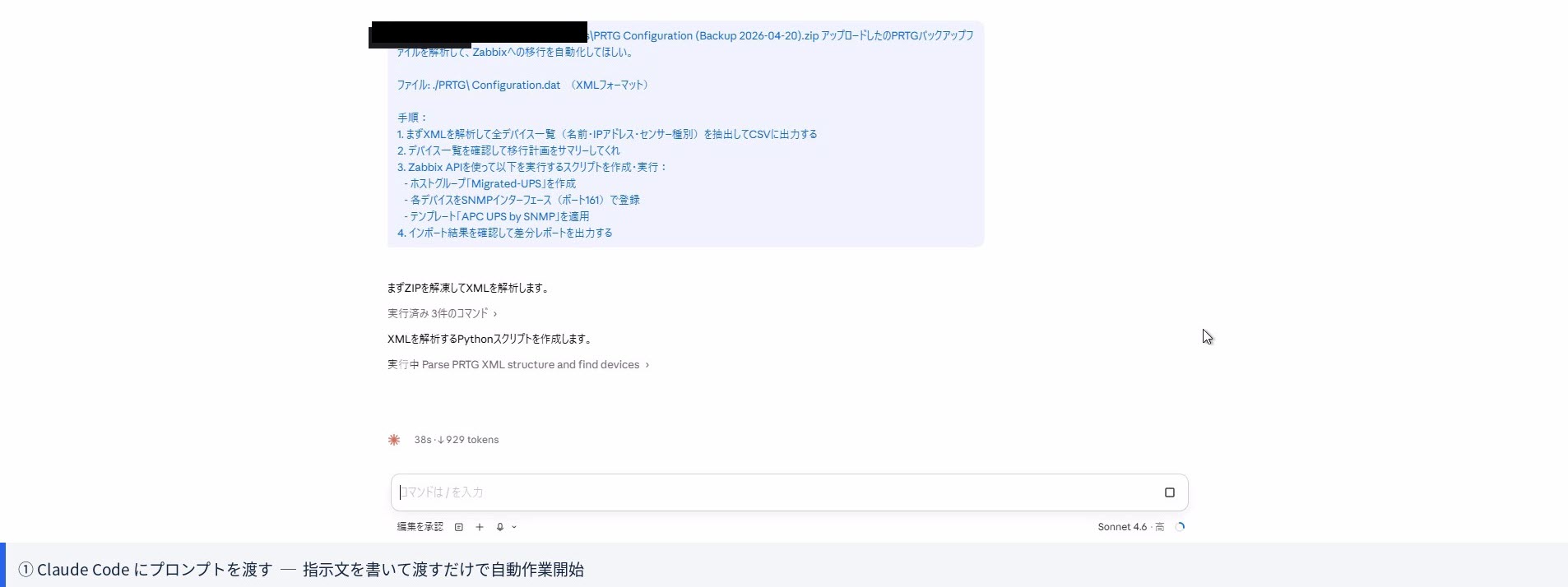
Instructions given to Claude Code #
We launched claude on the terminal and passed the following single instruction.
Step ① XML parsing and device extraction (approximately 5 minutes) #
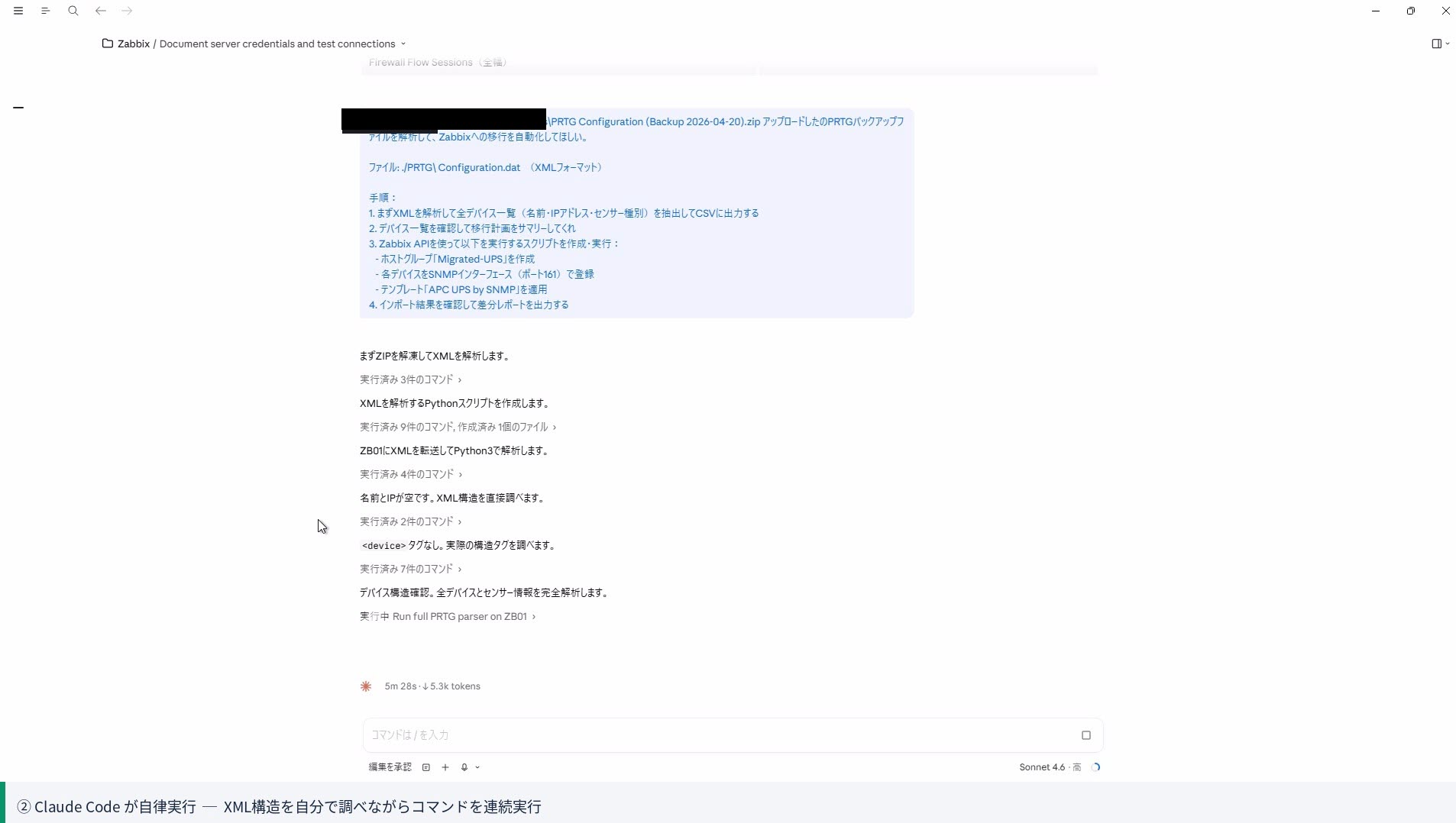
Claude Code immediately read the PRTG Configuration.dat file and automatically generated and executed a Python script to parse the XML.
It took less than 5 minutes to output device names, IP addresses, and sensor types to CSV.
Step ② Zabbix import script generation and execution (approximately 10 minutes) #
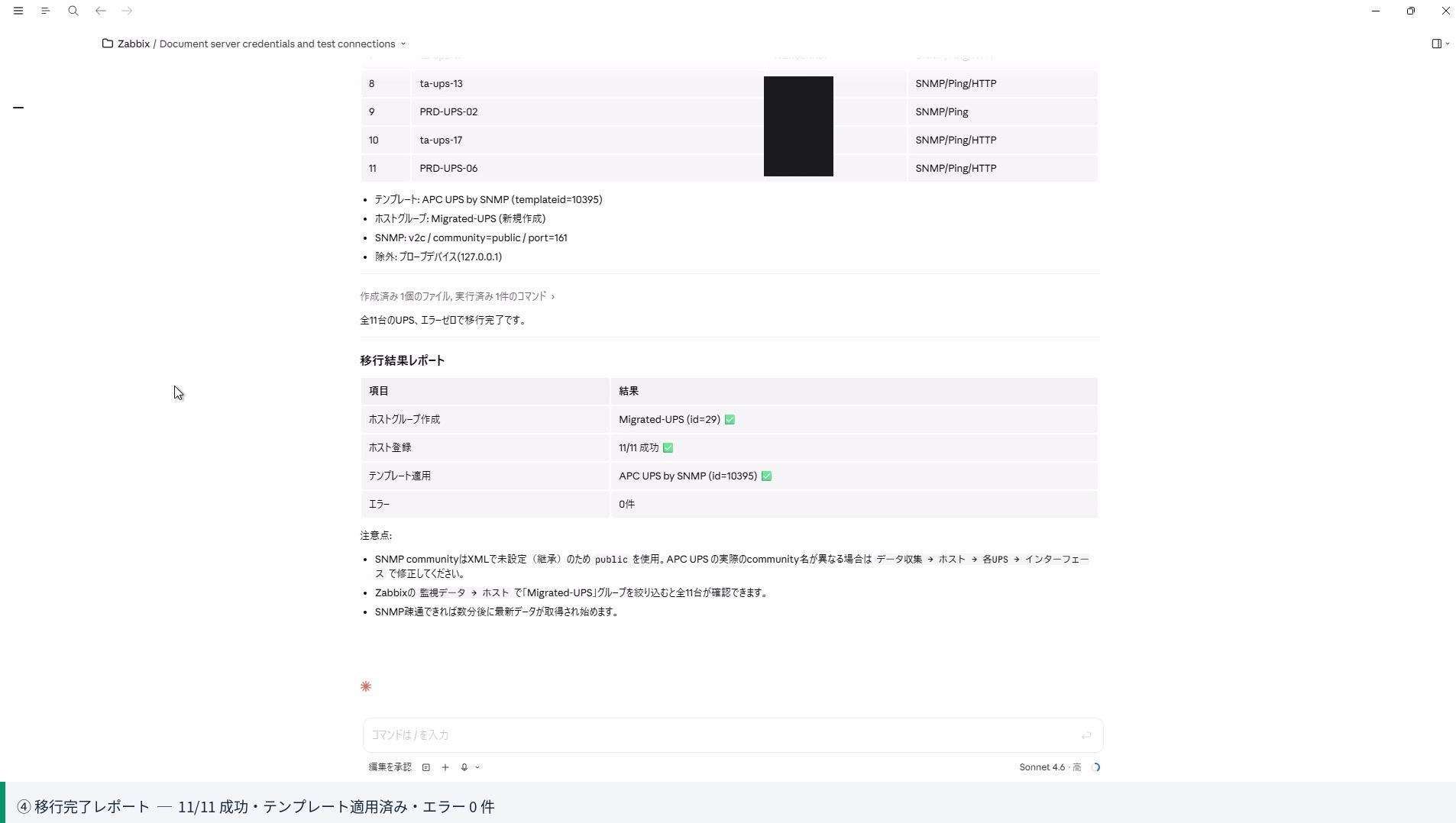
Once the CSV was ready, Claude Code continued to generate and immediately execute an import script that called the Zabbix API.
There was zero overhead of manually copying and pasting code and debugging it ourselves. This is Claude Code’s greatest strength.
 Stumbling block: Voltage anomaly alerts triggered in mass #
Right after import, the Zabbix alert screen turned bright red.
“Input voltage too high” triggered simultaneously on all 12 devices.
There are several variants of “APC UPS by SNMP”, and the one that was applied turned out to be configured for 200V equipment overseas.
The environment for this migration uses 100V systems, so the threshold as-applied triggered false alarms.
Issue modification instructions and re-registration #
We issued additional instructions to Claude Code.
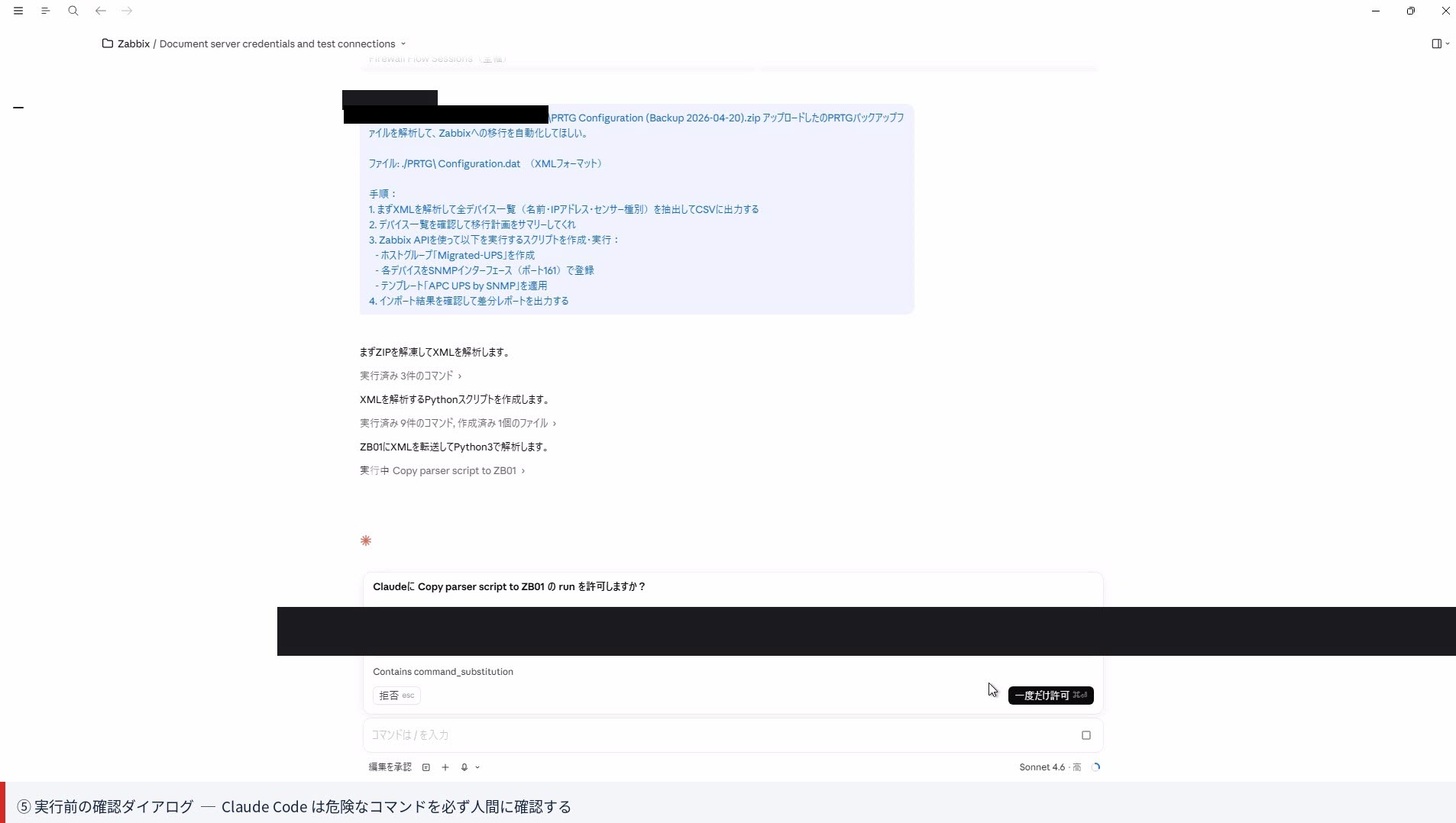
Claude Code automatically performed template unlink → threshold correction → re-application.
This correction work, including the initial import, was resolved within 15 minutes.
Even “APC UPS by SNMP” can have different threshold settings for voltage-related metrics.
Next time, we’ll include in the instructions a step to retrieve and verify the template list using
template.get before specifying.Summary of results #
Work time
Approximately 30 minutes total #
Manual work would typically take half a day to a full day.
Including correction work (template issue), we stayed within this time.
Migration results
12 devices, 118 sensors migration complete #
Zero errors. Alerts are normal after correction.
Ran in parallel with PRTG for verification before switchover.
What could be automated and what could not #
 Could be automated
- Device list extraction from XML backup
- Host name, IP, and interface registration
- Distribution to host groups
- Template application and replacement
- Post-import difference checking
 Required manual intervention
- Template selection (voltage specification verification)
- Re-setup of alert notification rules
- Dashboard and map recreation
- Historical data migration (not in scope this time)
Benefits of using Claude Code #
- Code is generated and executed on the spot.
Traditional AI chat required a loop of “generate code → paste and run → paste error and ask again”.
Claude Code executes directly on the terminal, reads errors itself, and corrects them. - Verifies API documentation on its own.
When we asked “What are the parameters to register an SNMP interface via Zabbix API?”, it researched this itself.
There was almost zero overhead in reading specifications. - Honestly communicates what it cannot do.
When we asked for complete 1:1 migration of PRTG-specific sensor settings,
it appropriately drew the line: “Due to conceptual differences with Zabbix, 1:1 migration is difficult. Manual work recommended for this part.” - Can recover from failures with a one-line correction instruction.
The template issue was resolved with just “fix this”.
There was virtually no debugging stress.
Next preview: Network equipment edition #
This time was smooth because all devices were “identical configuration” APC UPS.
Next time, we plan to work with a 2023 backup that includes switches, routers, wireless APs, and virtual machines,
testing multi-template distribution and SNMP community string handling as well.
- 10 switches
- 4 routers
- 4 wireless APs
- 4 HyperV hosts + 10 virtual machines


